🐚 CandyShell
Composer-installable CLI of TUI primitives

13 subcommands — choose, confirm, file, filter, format, input, join, log, pager, spin, style, table, write. Drop into a shell script and instantly get a Charm-quality interactive UX.
Install
composer require sugarcraft/candy-shellQuickstart
# Apply styling.
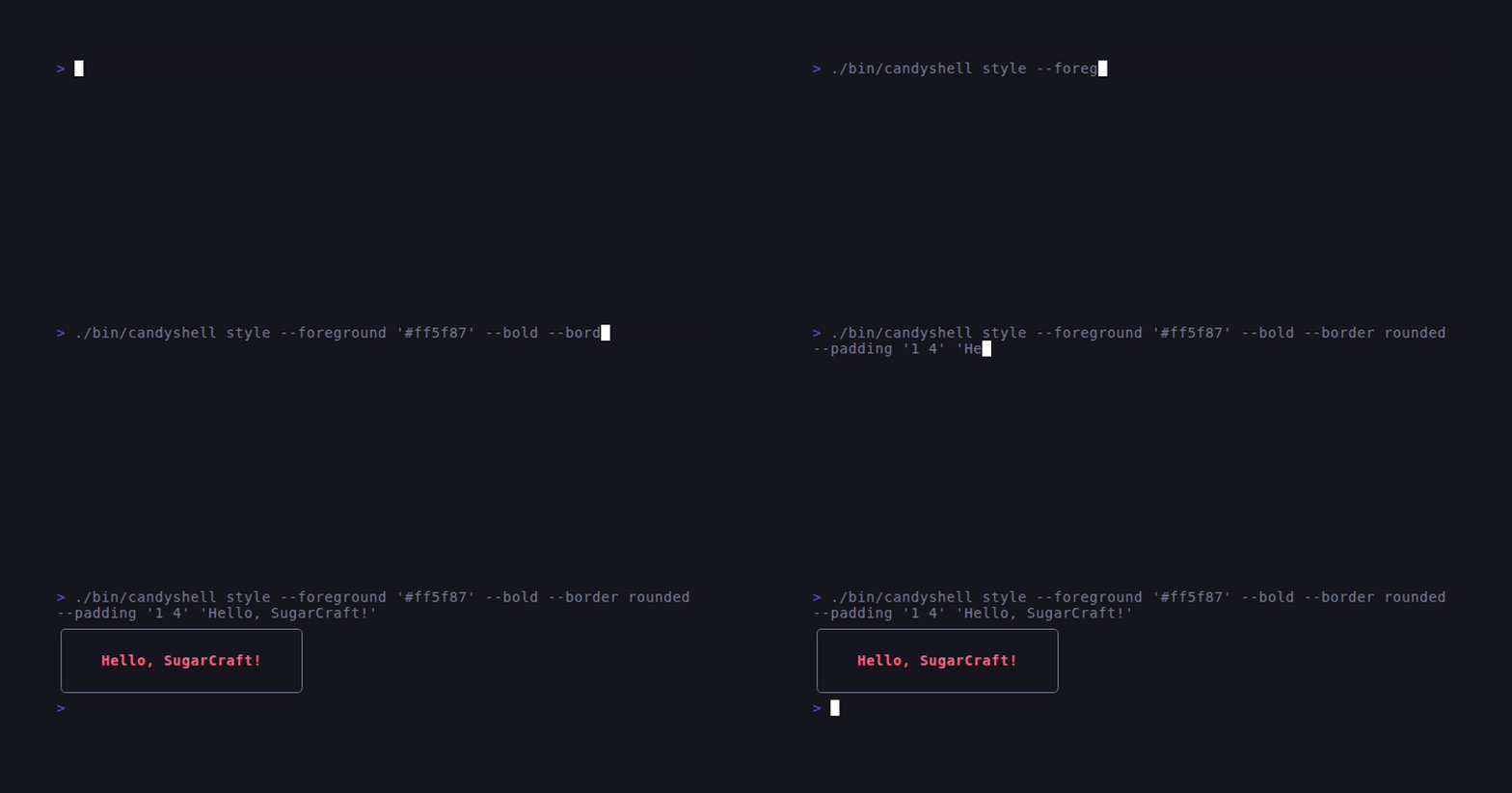
candyshell style --foreground "#ff5f87" --bold "Hello, candy!"

# Pick one item.
choice=$(candyshell choose Pizza Burger Salad)

# Read a single line.
name=$(candyshell input --placeholder "Your name?")

# Confirm a destructive action.
candyshell confirm "Really delete $file?" && rm "$file"

# Show a spinner while running a command.
candyshell spin --title "Building..." -- make build

# Fuzzy-filter a list.
git branch | candyshell filter
What's in the box
styleApply Sprinkles styling to argv (or stdin) and print.
choosePick one item from a list; prints the selection to stdout.
confirmYes/no — exit code 0 on yes, 1 on no.
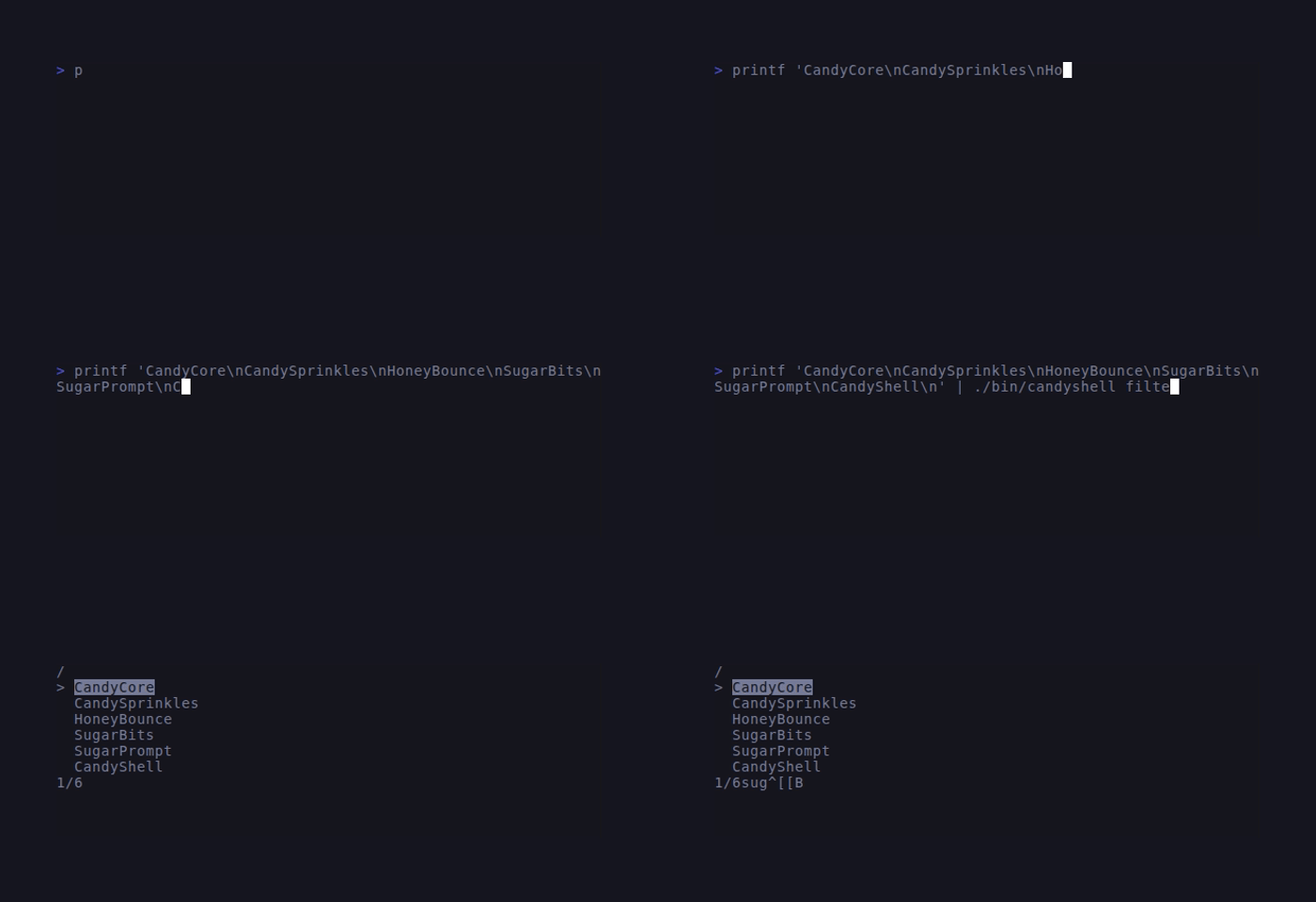
filterFuzzy-filter over stdin lines.
input / writeSingle-line / multi-line text input.
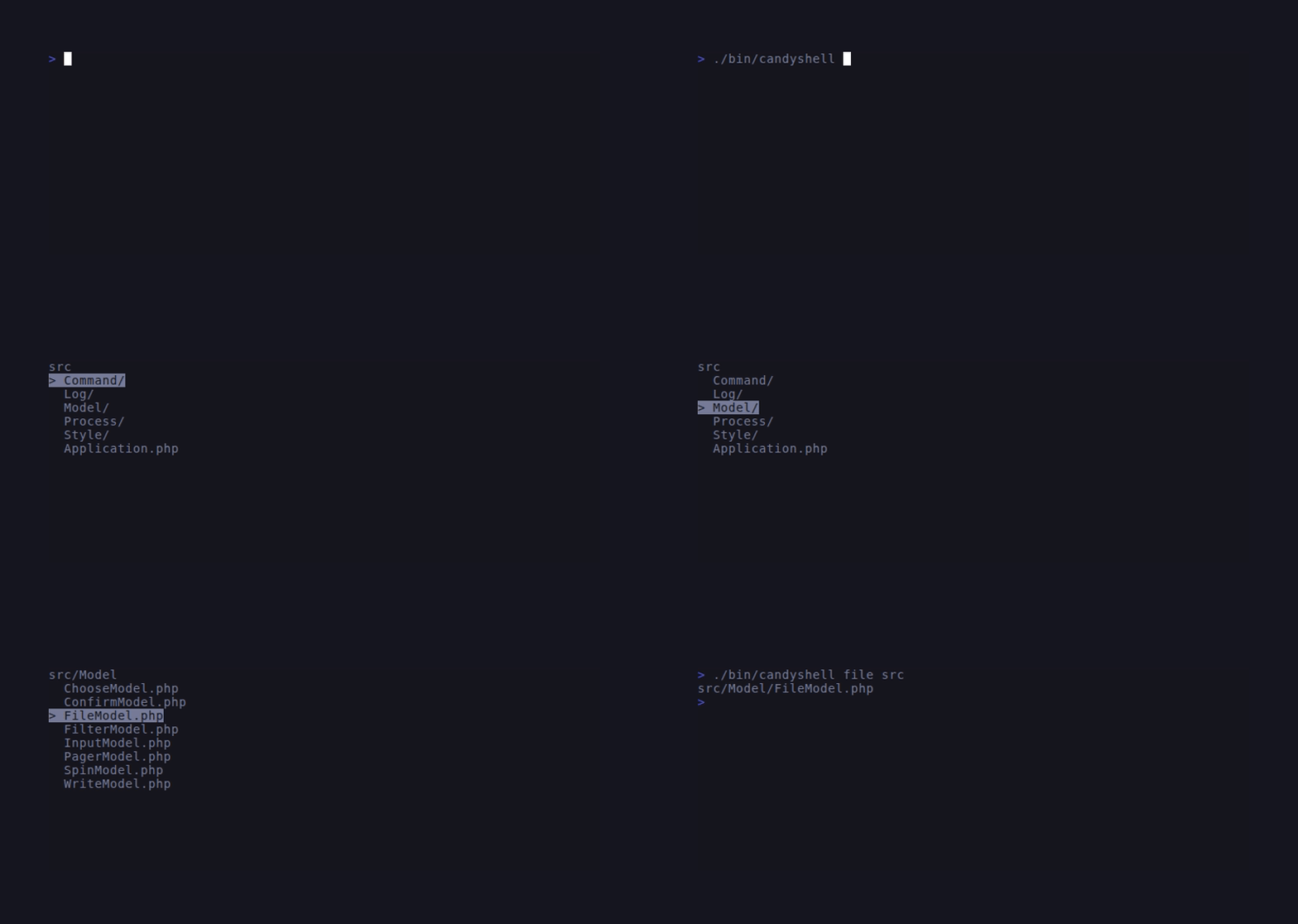
fileFile picker — print the selected path.
formatRender Markdown via CandyShine.
pagerScroll long input through a SugarBits Viewport.
spinShow a spinner while running an external command.
tableRender a CSV / TSV table with rounded borders.
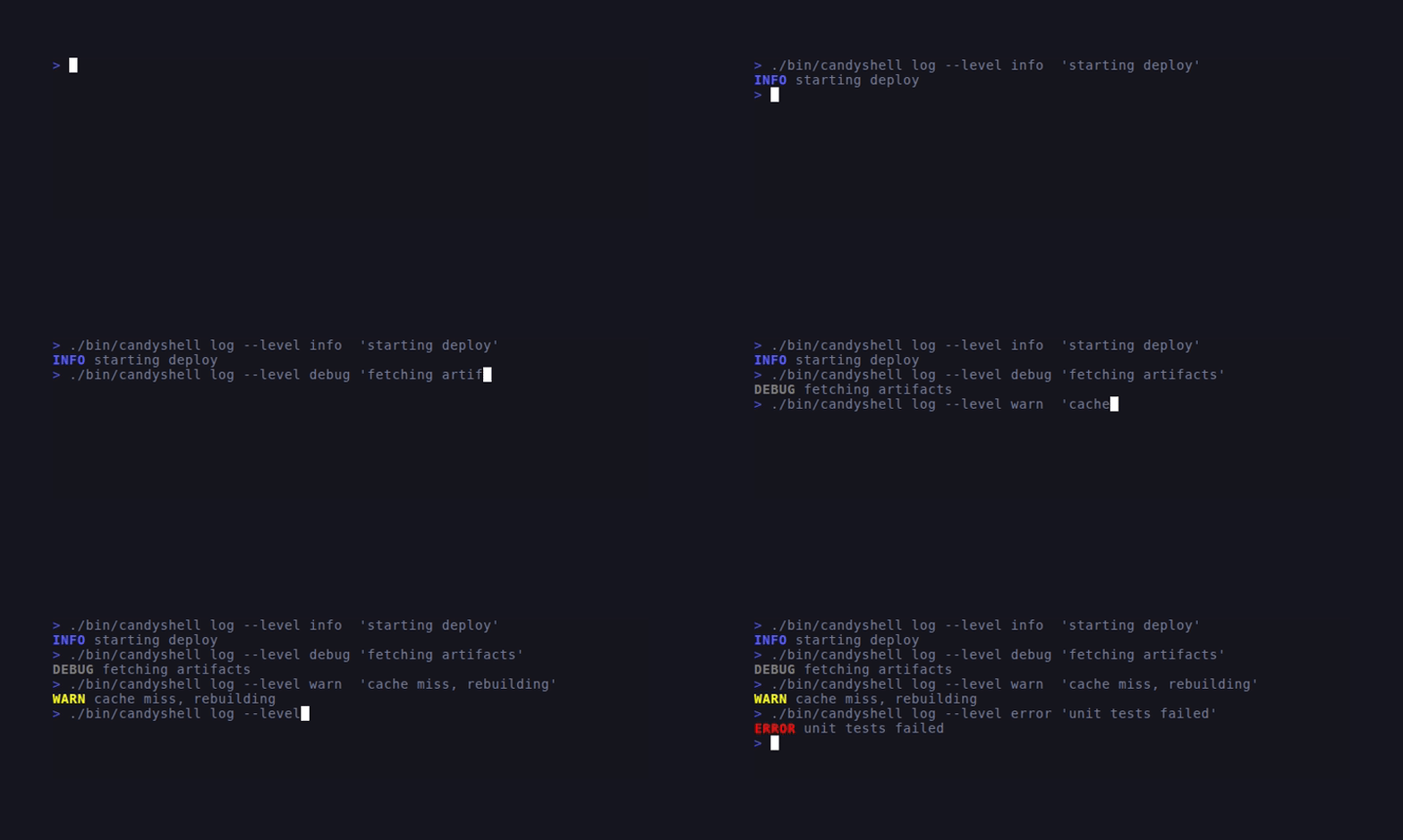
logLeveled logging output (debug / info / warn / error / fatal).
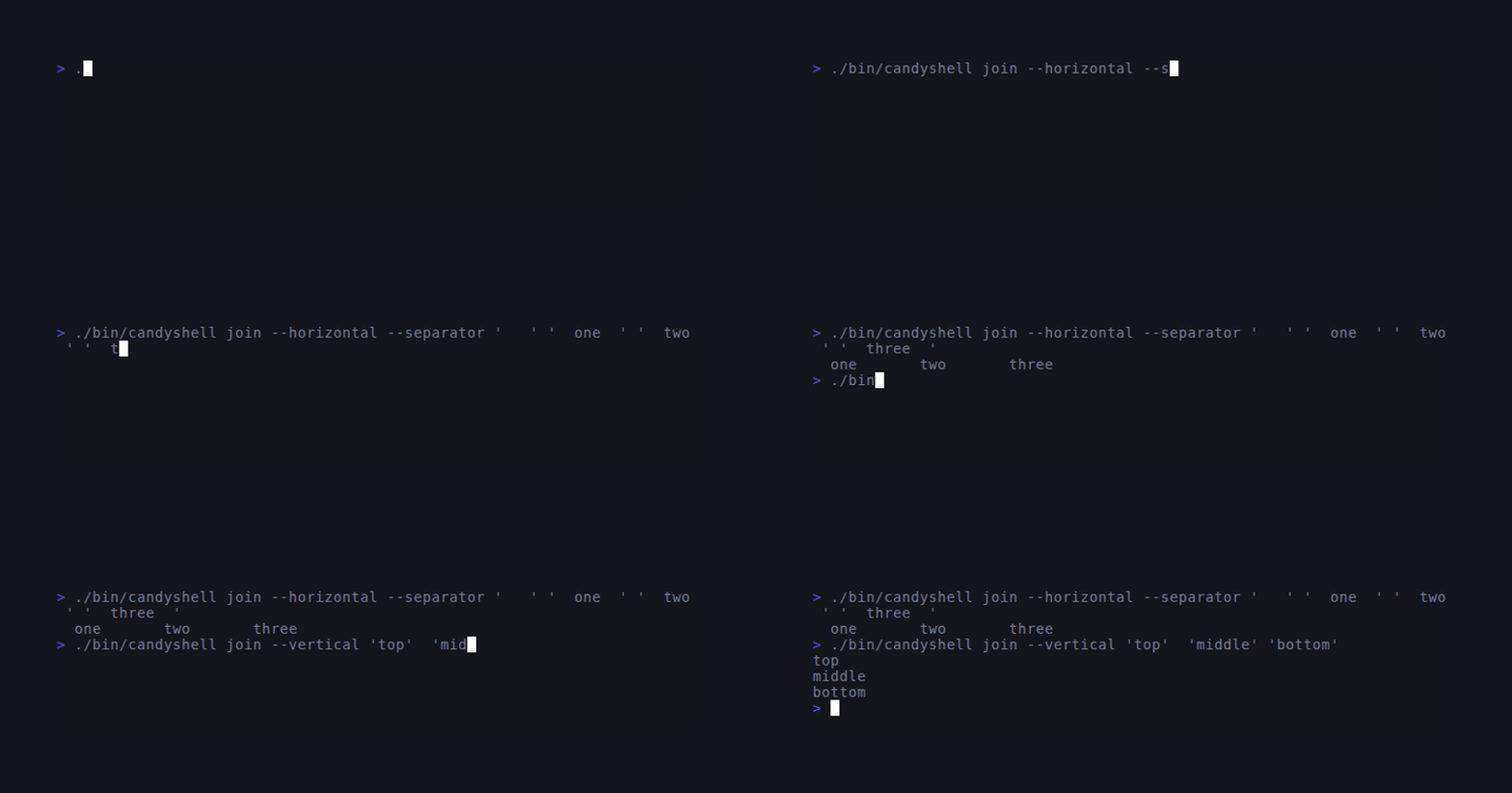
joinConcatenate styled strings horizontally / vertically.
Auto-discovery
CandyShell uses PHP attributes to auto-discover commands at runtime. Mark any class extending Symfony\Component\Console\Command\Command with #[Command] and it will be picked up by Application::scan():
use SugarCraft\Shell\Attribute\Command;
use SugarCraft\Shell\Attribute\Flag;
use Symfony\Component\Console\Command\Command;
use Symfony\Component\Console\Input\InputInterface;
use Symfony\Component\Console\Output\OutputInterface;

#[Command(name: 'mycmd', description: 'Does something useful.', descriptionSection: 'Longer help text.')]
final class MyCommand extends Command
{
    #[Flag(name: 'format', short: 'f', description: 'Output format.', enum: FormatType::class)]
    protected function configure(): void
    {
    }

    protected function execute(InputInterface $input, OutputInterface $output): int
    {
        $format = $input->getOption('format');
        // ...
        return self::SUCCESS;
    }
}

enum FormatType: string
{
    case Json = 'json';
    case Yaml = 'yaml';
}
Register the namespace in your bootstrap:
$app = new \SugarCraft\Shell\Application();
$app->scan('My\\Namespace\\');  // discovers all #[Command] classes
$app->run();
New attribute types (step 06.05)
| Type | Namespace | Role |
|---|---|---|
Command | SugarCraft\Shell\Attribute\Command | #[Attribute] for auto-registering commands |
Flag | SugarCraft\Shell\Attribute\Flag | #[Attribute] for declarative CLI options |
ValueEnum | SugarCraft\Shell\Attribute\ValueEnum | Constrained enum for flag values |
CommandScanner | SugarCraft\Shell\Discovery\CommandScanner | Namespace scanner for #[Command] classes |
Application::scan() | SugarCraft\Shell\Application | Opt-in discovery method |
Enhanced help (step 06.06)
| Type | Namespace | Role |
|---|---|---|
Alias | SugarCraft\Shell\Attribute\Alias | #[Attribute] registering CLI command aliases |
Example | SugarCraft\Shell\Attribute\Example | #[Attribute] adding example usage to help output |
HelpFormatter | SugarCraft\Shell\Help\HelpFormatter | Renders enhanced help from #[Alias]/#[Example] attributes |
TypoSuggester | SugarCraft\Shell\Help\TypoSuggester | Levenshtein distance ≤ 2 typo suggestions for unknown commands |
Shell completions + version (step 06.07)
| Type | Namespace | Role |
|---|---|---|
BashCompletion | SugarCraft\Shell\Completion\BashCompletion | Bash completion script generator |
ZshCompletion | SugarCraft\Shell\Completion\ZshCompletion | Zsh completion script generator |
FishCompletion | SugarCraft\Shell\Completion\FishCompletion | Fish completion script generator |
CompletionCommand | SugarCraft\Shell\CompletionCommand | Built-in completion [--shell bash|zsh|fish] subcommand |
Application::versionFromComposer() | SugarCraft\Shell\Application | Reads version from root composer.json |
CandyShell also respects CANDYSHELL_* env var fallbacks — prefix any option name with CANDYSHELL_ in uppercase to set it when no explicit CLI flag is provided.
Source & demos
- Source on GitHub
- Full README
- Runnable examples
- Port of gum (Go upstream)
CLI Commands
| Command | Description |
|---|---|
| completion | Emit shell completion script (bash · zsh · fish) |
| style | Apply Sprinkles styling to text |
| choose | Pick one item from a list |
| confirm | Yes/no confirmation |
| filter | Fuzzy-filter stdin lines |
| input | Read single-line text input |
| write | Read multi-line text input |
| file | File picker |
| format | Render Markdown |
| pager | Scroll long content |
| spin | Show spinner during command |
| table | Render CSV/TSV table |
| log | Leveled logging |
| join | Join styled strings |